How to see a competitor's Etsy tags
Competitors reads any Etsy listing from its link and shows every tag it uses, measured the same way as your own.
1Paste a listing link
Open Competitors from the menu on the left. Paste the link to an Etsy listing you are competing with and press Look it up.
If you want a side-by-side comparison, choose one of your own listings under Compare against one of yours.
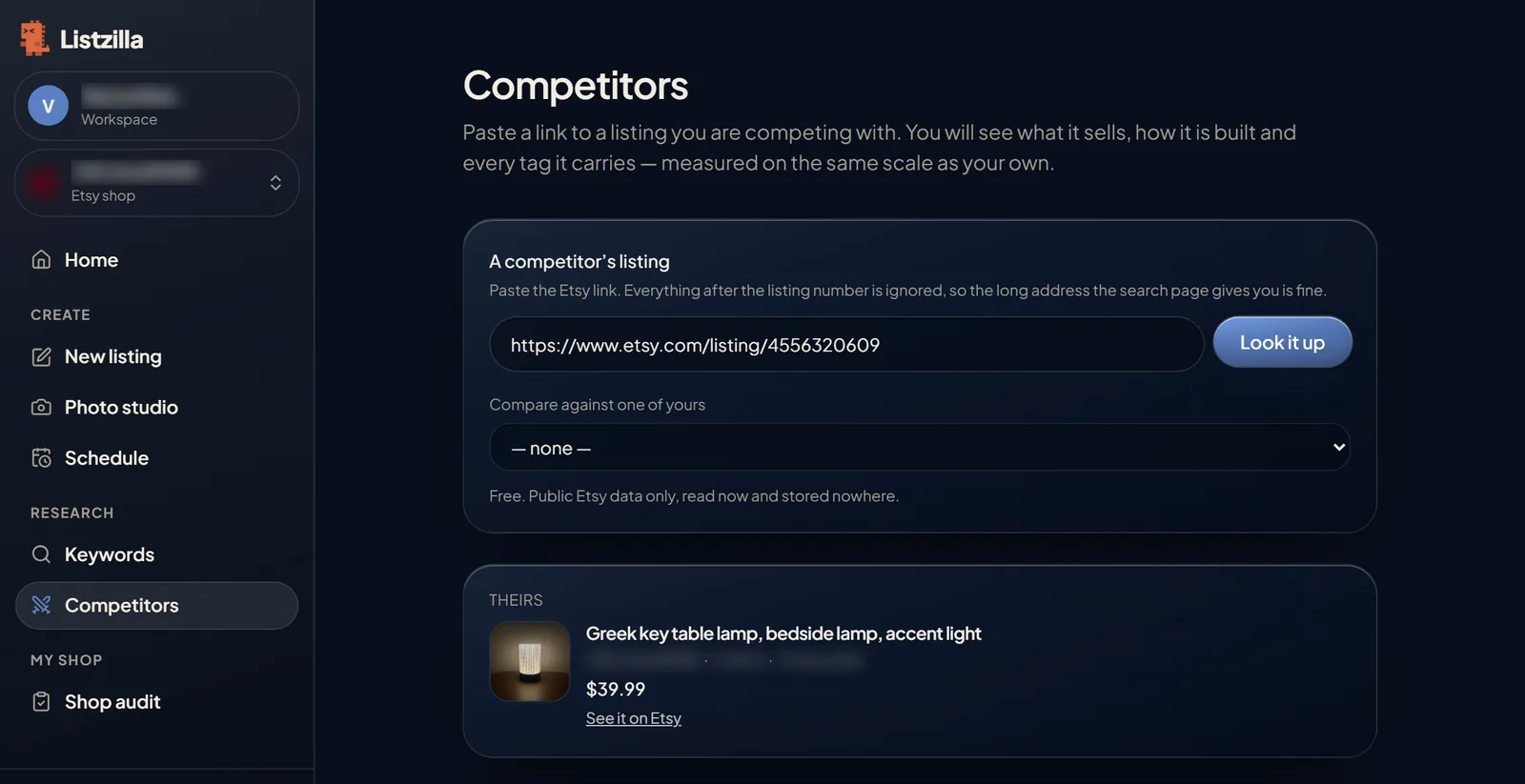
Competitors: a listing link pasted in, and the listing it found. 2Read their tags
You see all of their tags, each with the number of competing listings and how crowded it is. If you chose one of your listings, the tags are split into Only theirs, Both of you and Only yours.
Below that, How the listing is built compares title length, tags, description, photos and more.
Press Read the shop to see what that seller's best listings do differently.
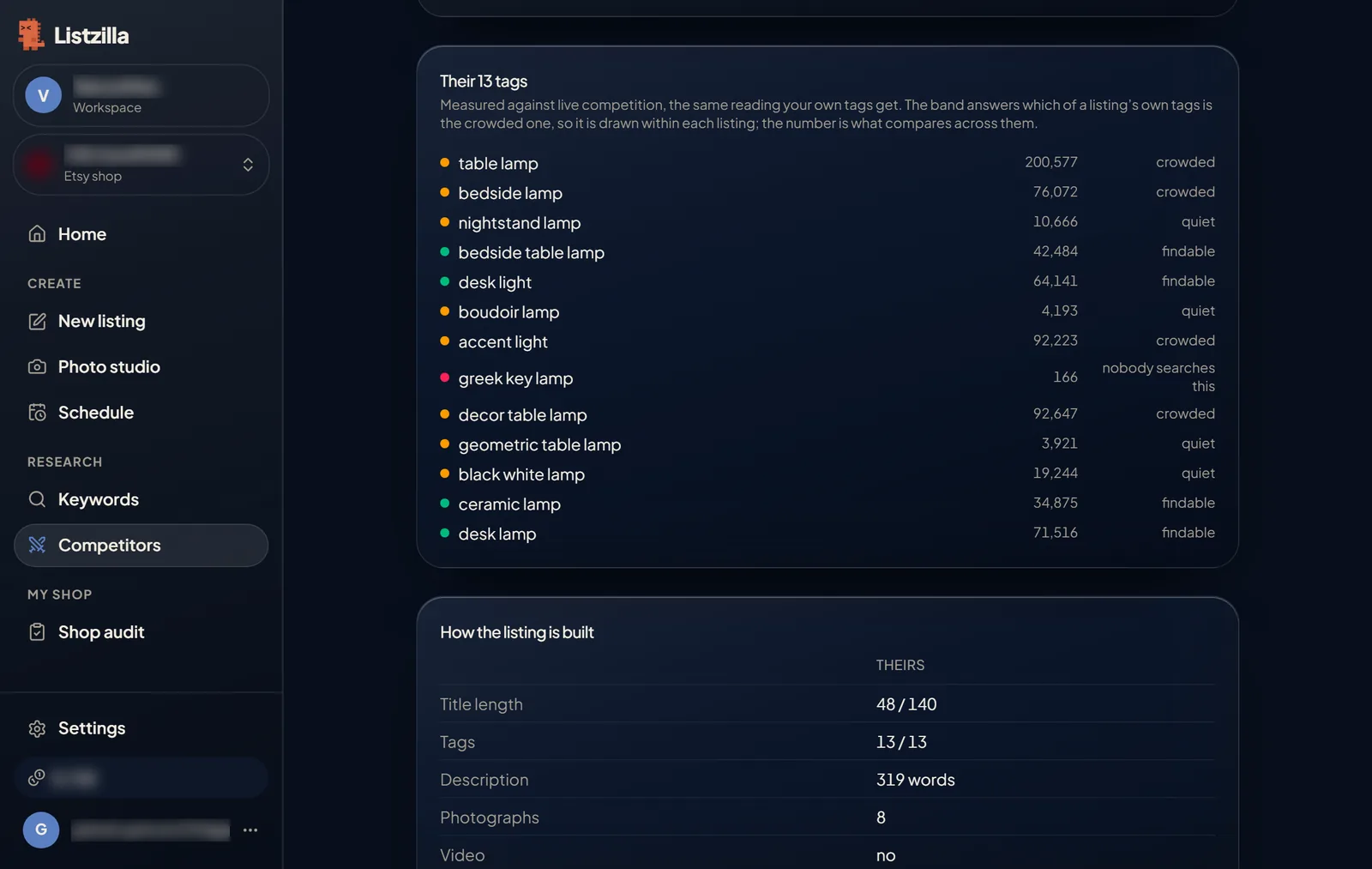
A competitor's 13 tags, each with how many listings compete for it, and how the listing is built.