How to make Etsy listing photos with Studio
Studio makes extra listing photos from one photo of your product. Your product stays exactly as you photographed it; only the background and setting are new.
1Choose a template
Open Photo studio from the menu on the left and choose what you want to make:
Studio background: a clean studio shot with a soft shadow, in the colour you pick. Lifestyle scene: your product in a room where someone would really use it. Dimensions: measurement lines drawn on your photo.
The cost of each is shown on its card.
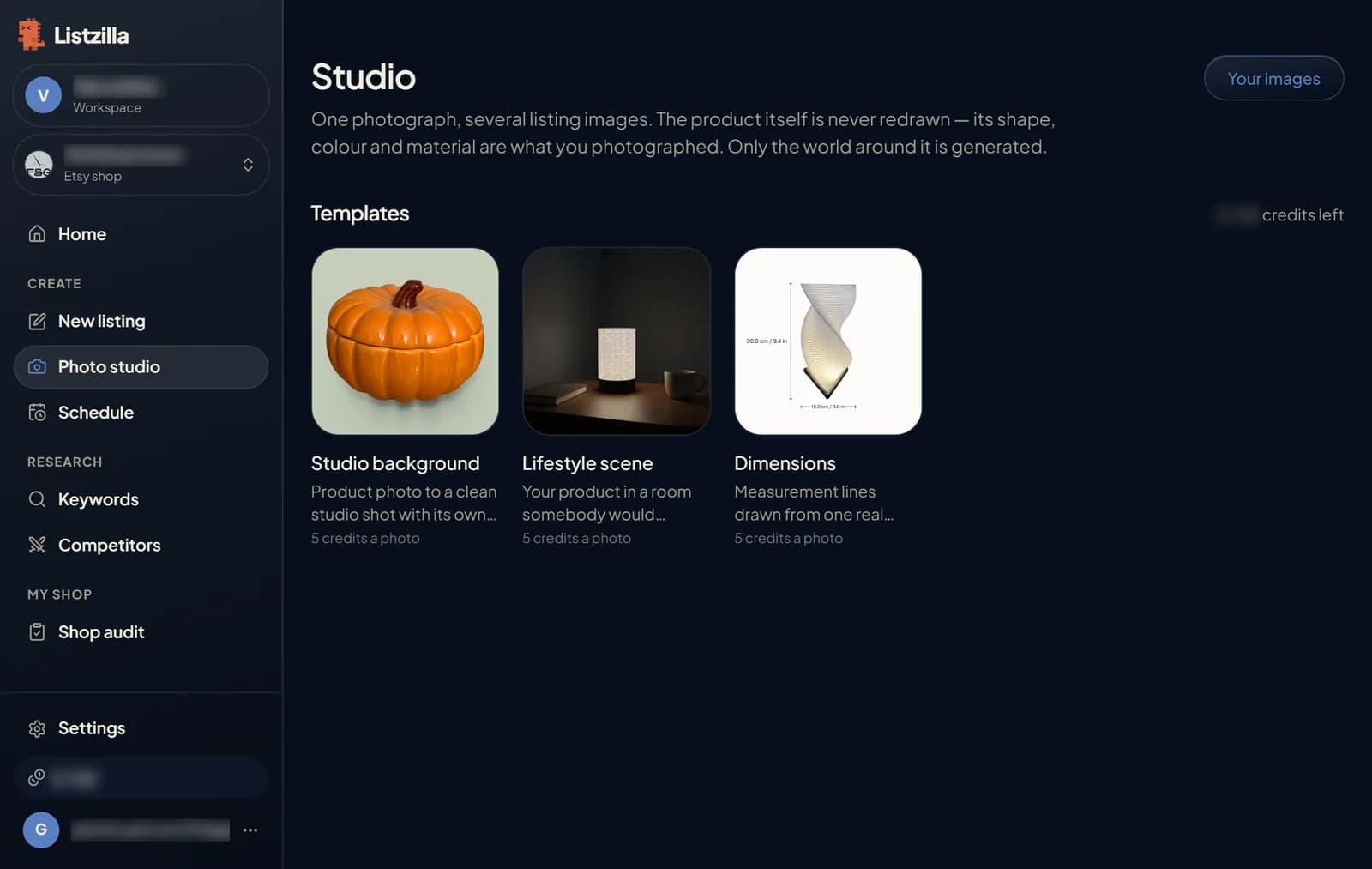
The three Studio templates: Studio background, Lifestyle scene and Dimensions. 2Add your product photo
Drop a photo on the box, press Add image, or press Your images to pick one you have used before.
Until you add your own, the page shows an example of what the template makes.
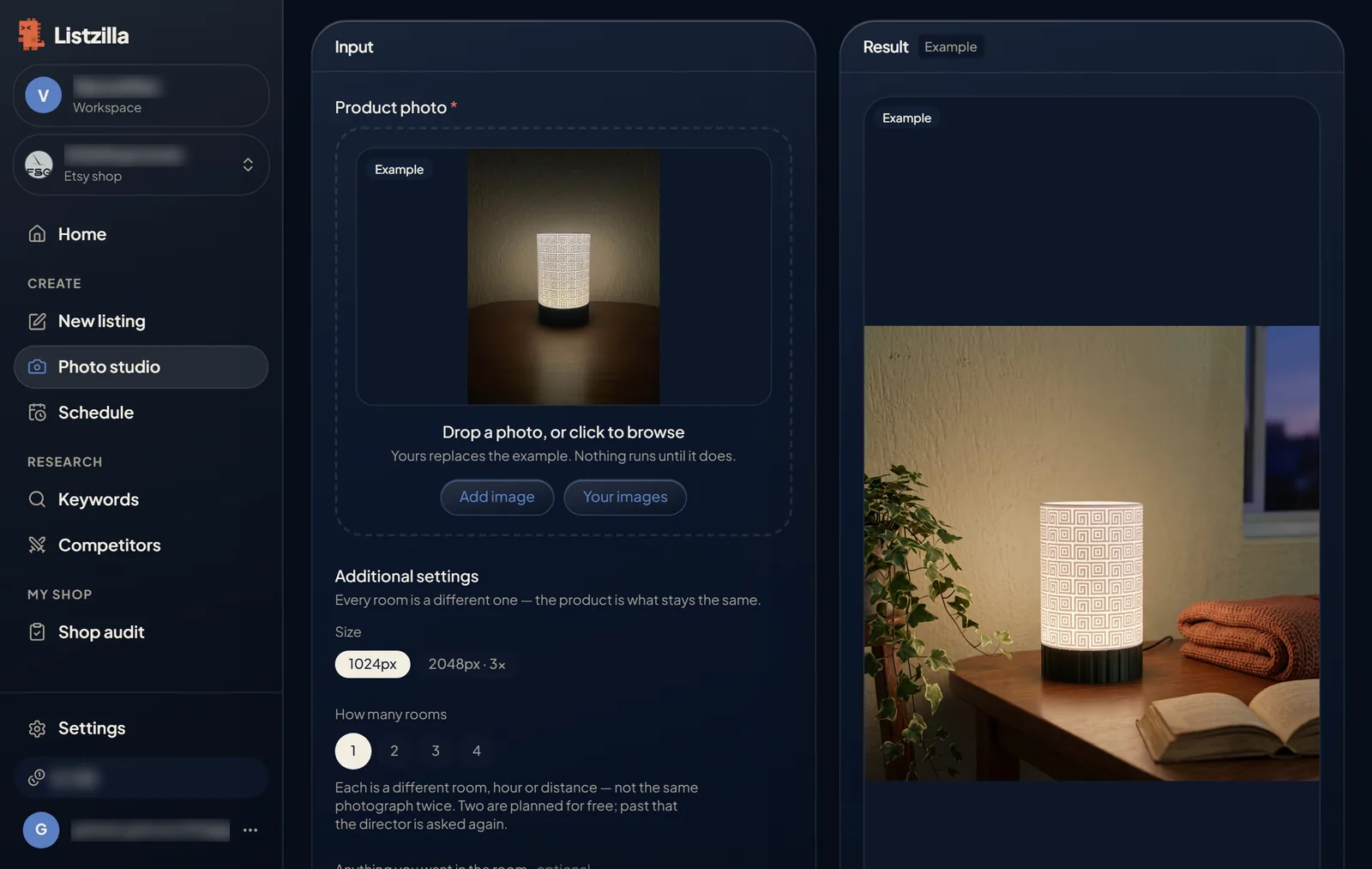
The Lifestyle scene template with an example product photo and the room it was placed in. 3Choose the settings and press Run
Each template has a few settings. For a Lifestyle scene you choose the image size, how many different rooms you want, and, if you like, what should be in the room. For a Studio background you pick a colour. For Dimensions you enter the measurements you know; only those are printed.
The total cost is shown at the bottom before you press Run. Nothing is charged until you do.
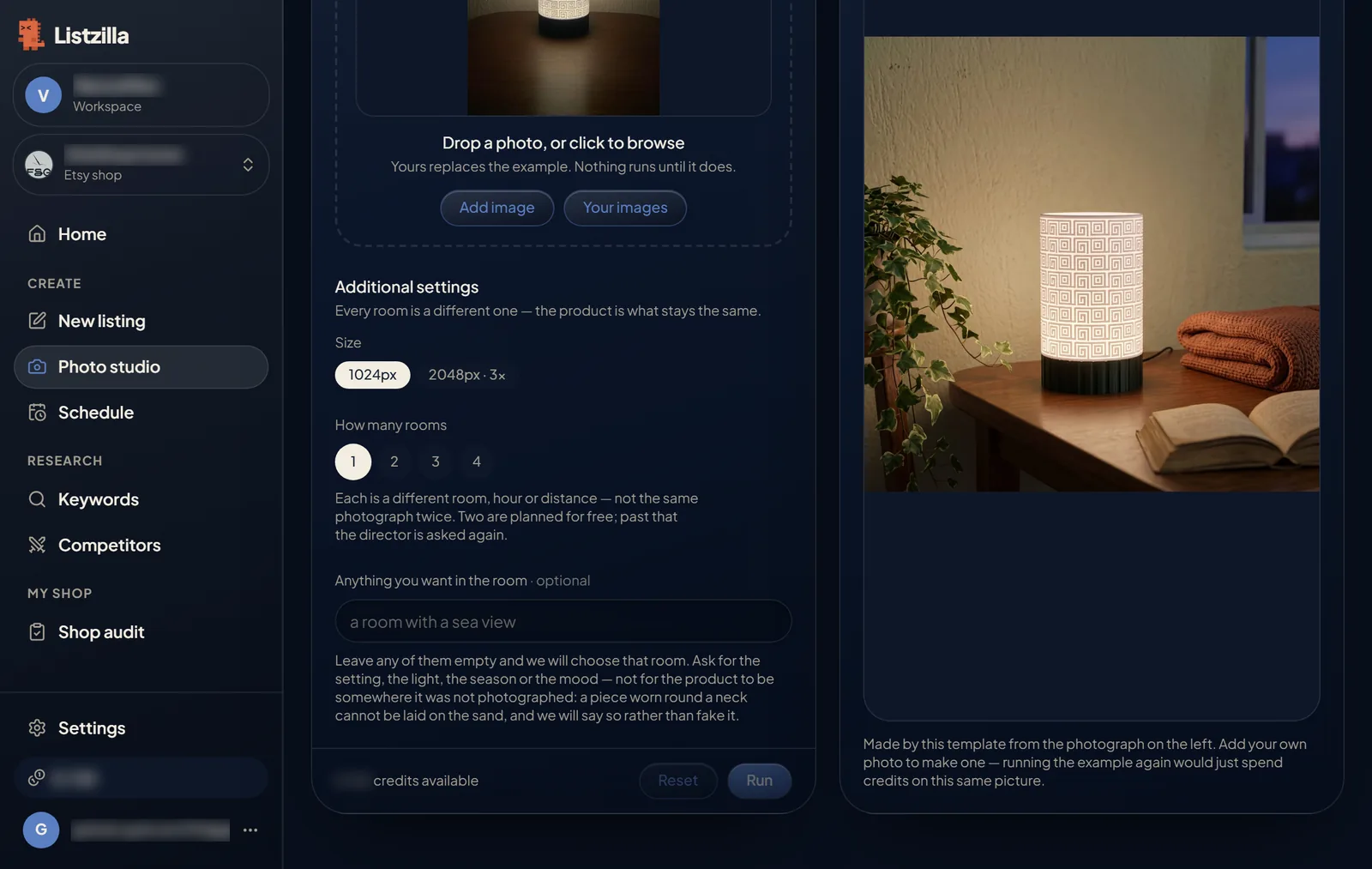
The Lifestyle scene settings: size, number of rooms, what you want in the room, and the Run button. 4Download or use your images
Your images appear on the right when they are ready. You do not have to wait on the page: they also appear under Your images.
Download the ones you like. You can also add them straight to a listing: Use a Studio image on New listing, or Add from your images on a listing in Shop audit.
Images are kept for 30 days, so download anything you want to keep.
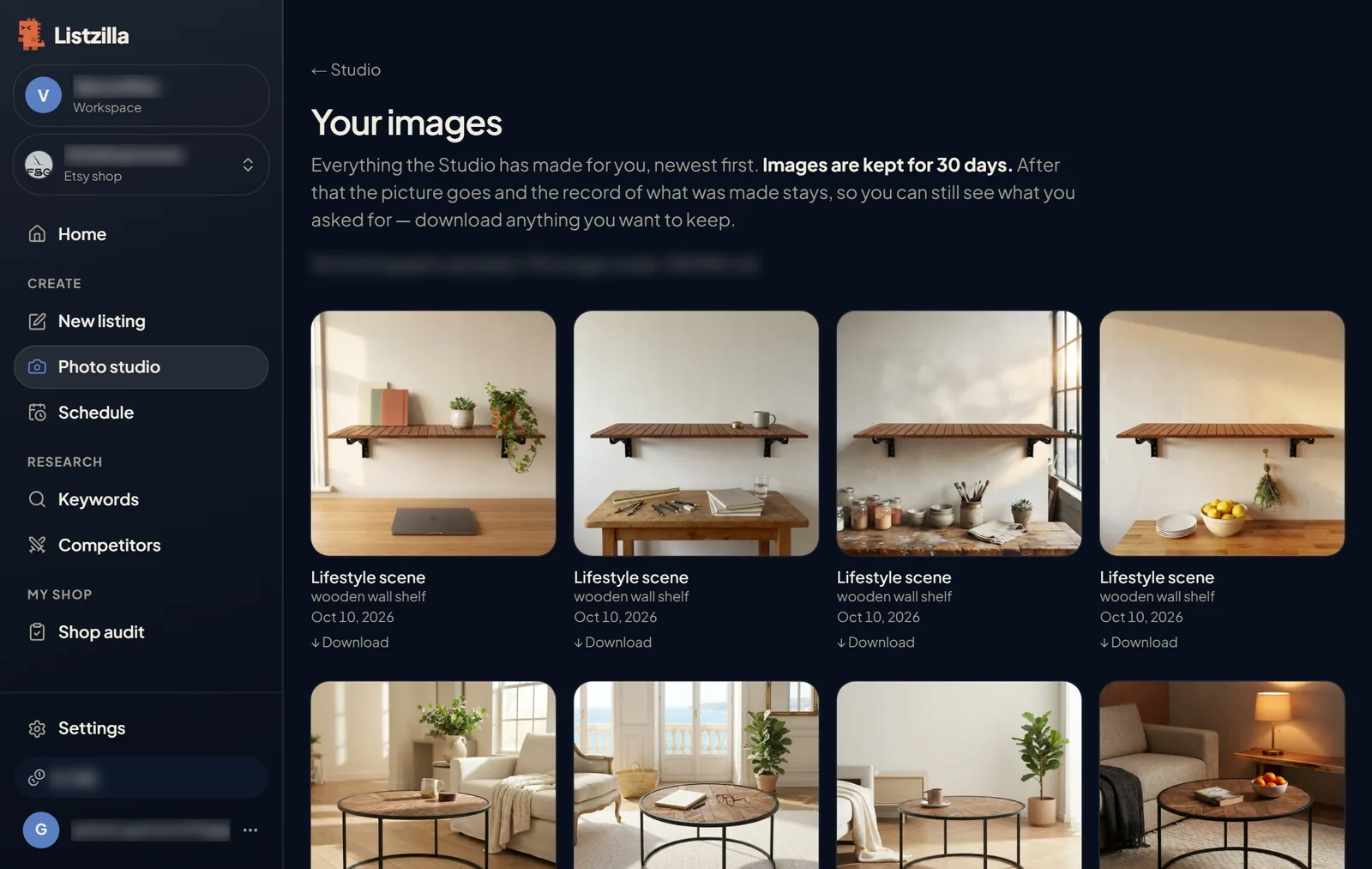
Your images: room scenes made in Studio, each with a Download link.